 Yohaku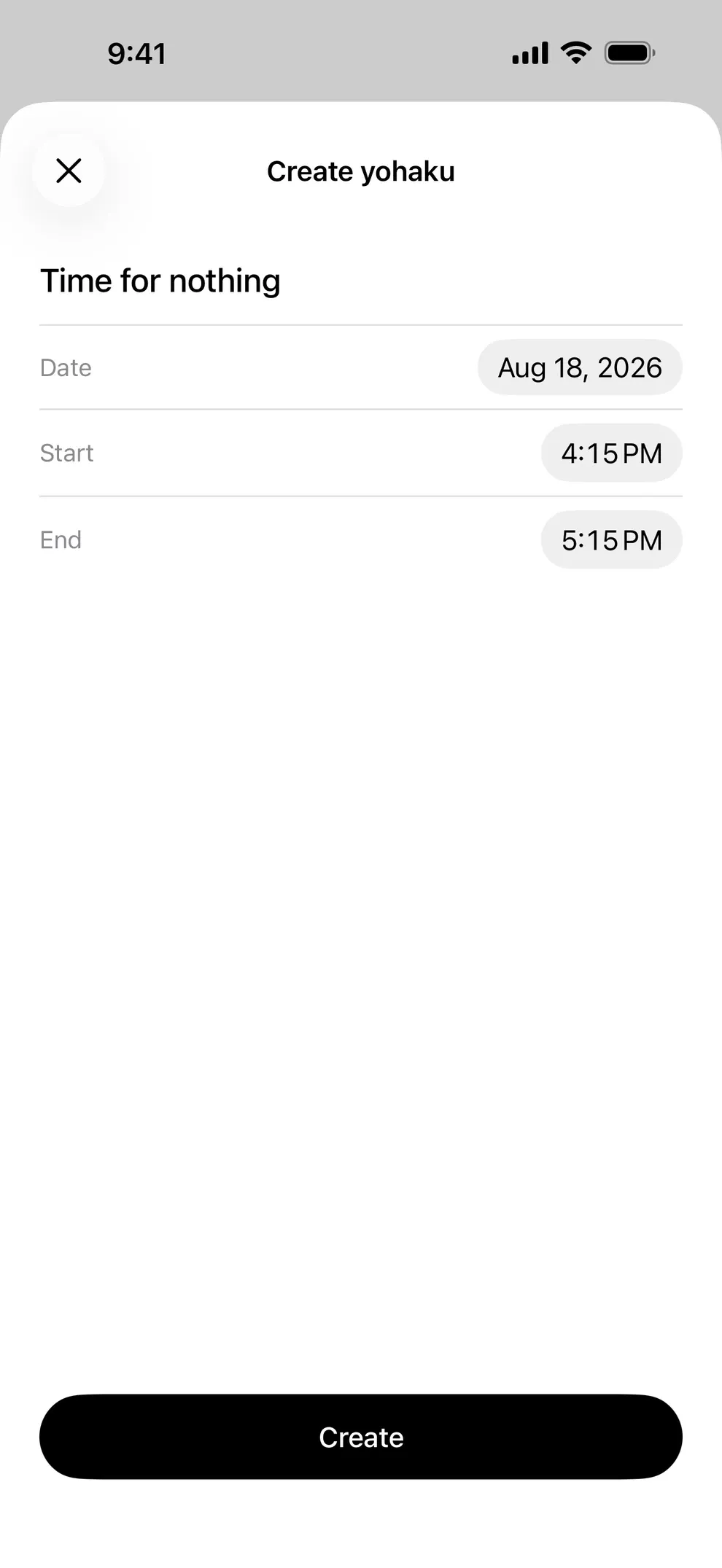
01
Leave space in your day with a name and time.
Time for nothing, a slow cup of tea, or simply looking out the window. Choose a name, date, start time, and end time. Add more than one space in a day, then edit or remove it later.
FEATURES
Yohaku does not do many things. Leave one space, glance across the ones you left, and check in once after it ends. It tries to do those three carefully.
01
Time for nothing, a slow cup of tea, or simply looking out the window. Choose a name, date, start time, and end time. Add more than one space in a day, then edit or remove it later.
02
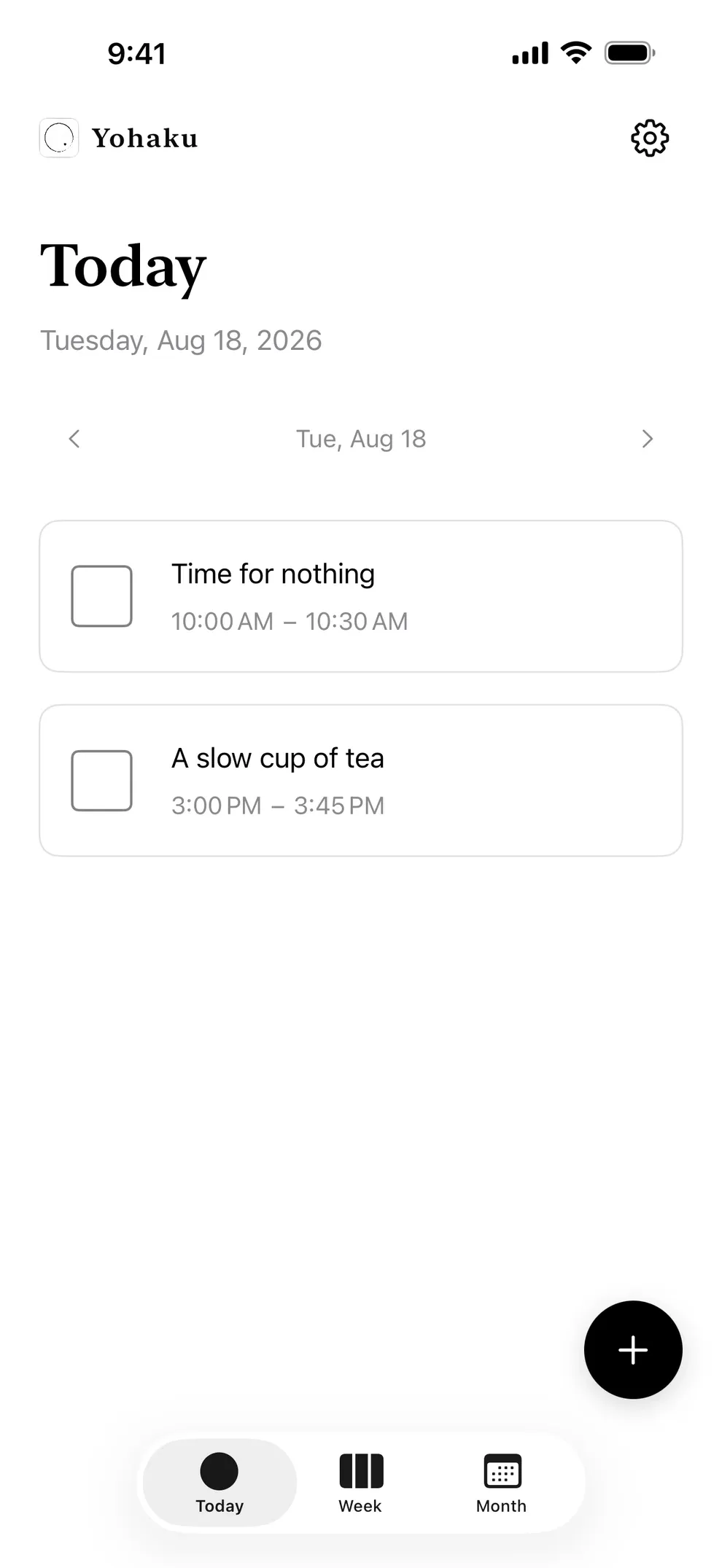
On Today, review the spaces for the selected day and move between dates with the controls or a swipe. Yohaku does not switch to a timer or dedicated mode while a space is in progress.
03
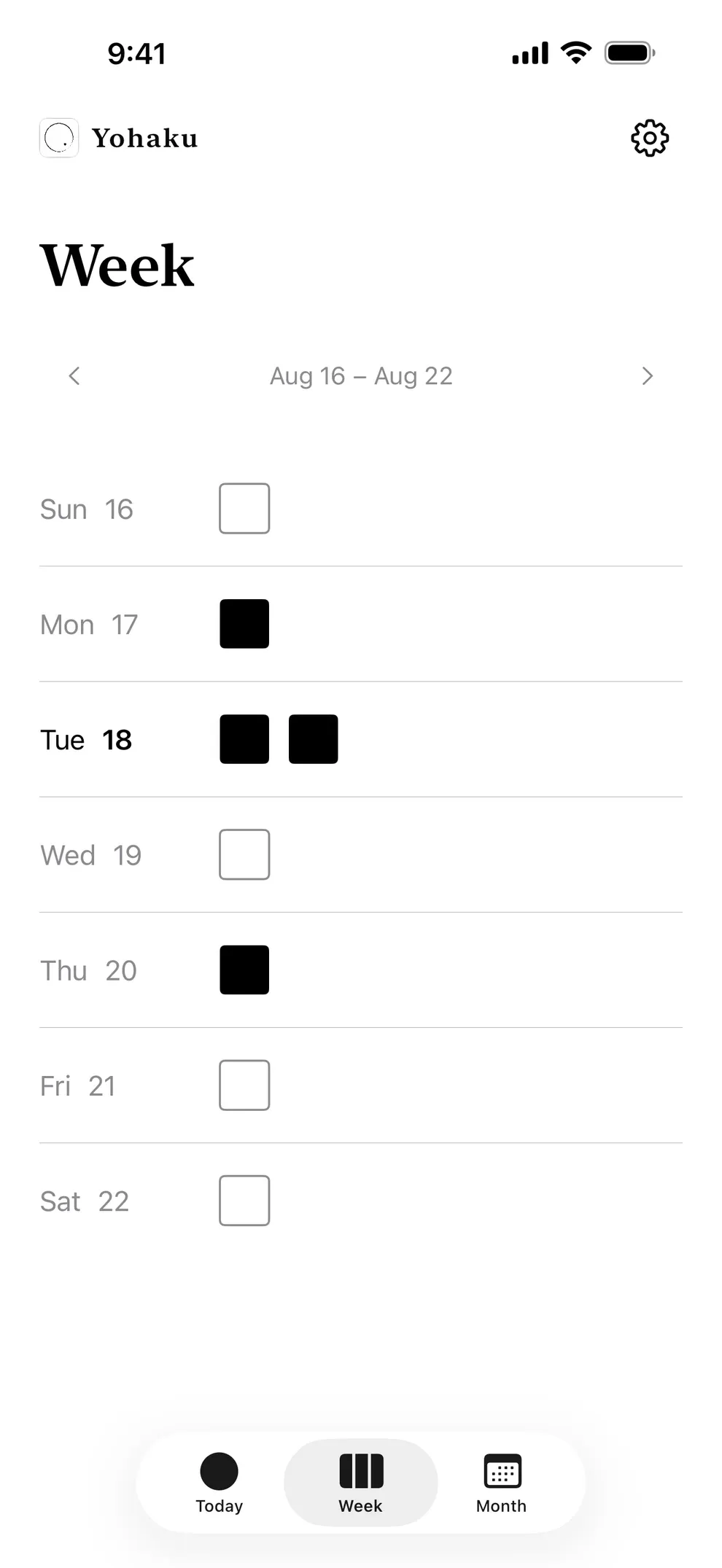
Week shows each day’s spaces as filled squares—outline only when empty. Tap a day to open its Today view.
04
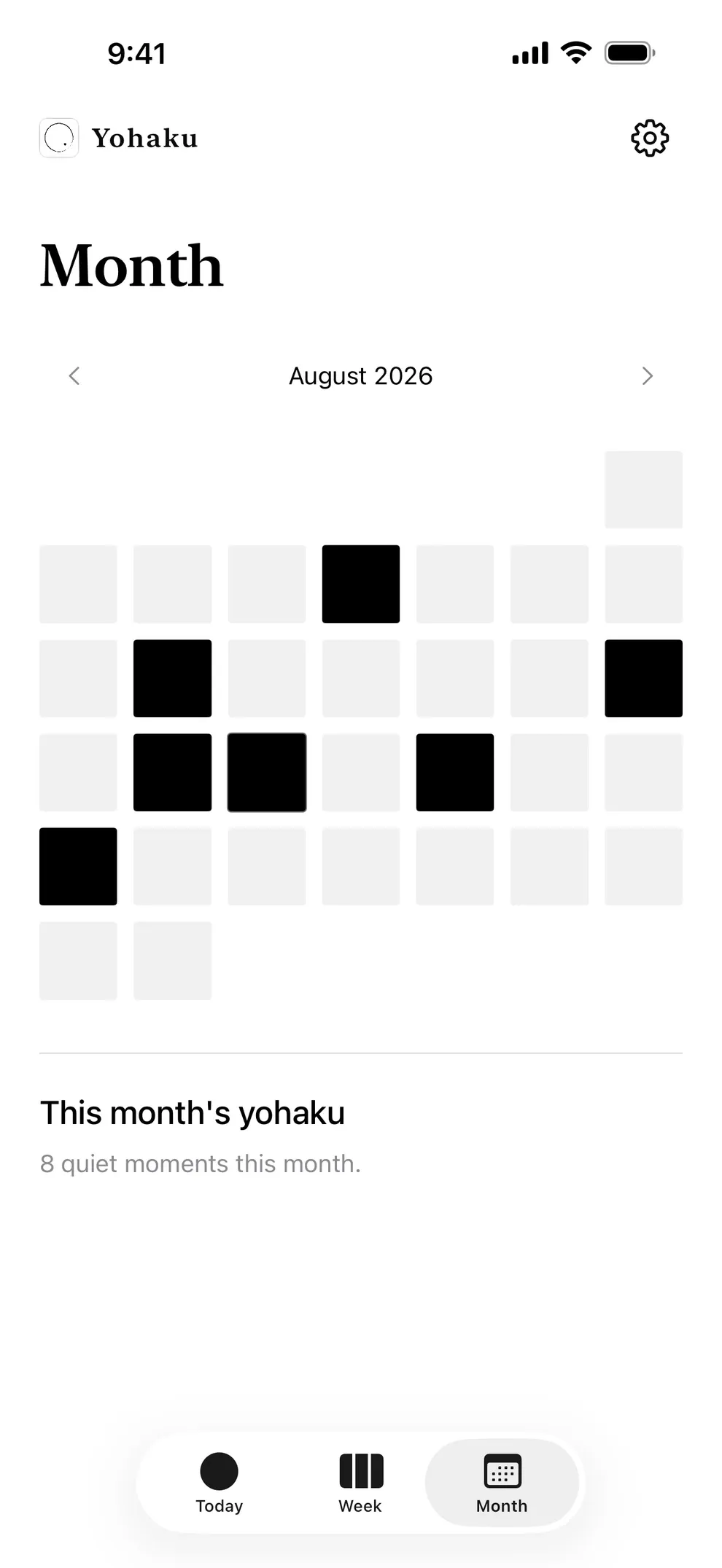
Month marks days that have at least one space, and shows how many spaces you left that month. It does not generate art or patterns from your data.
05
When enabled, Yohaku normally reminds you three to seven minutes before a space. Edit or delete a space and its notification updates. Off by default; permission is requested when you create your first space.
06
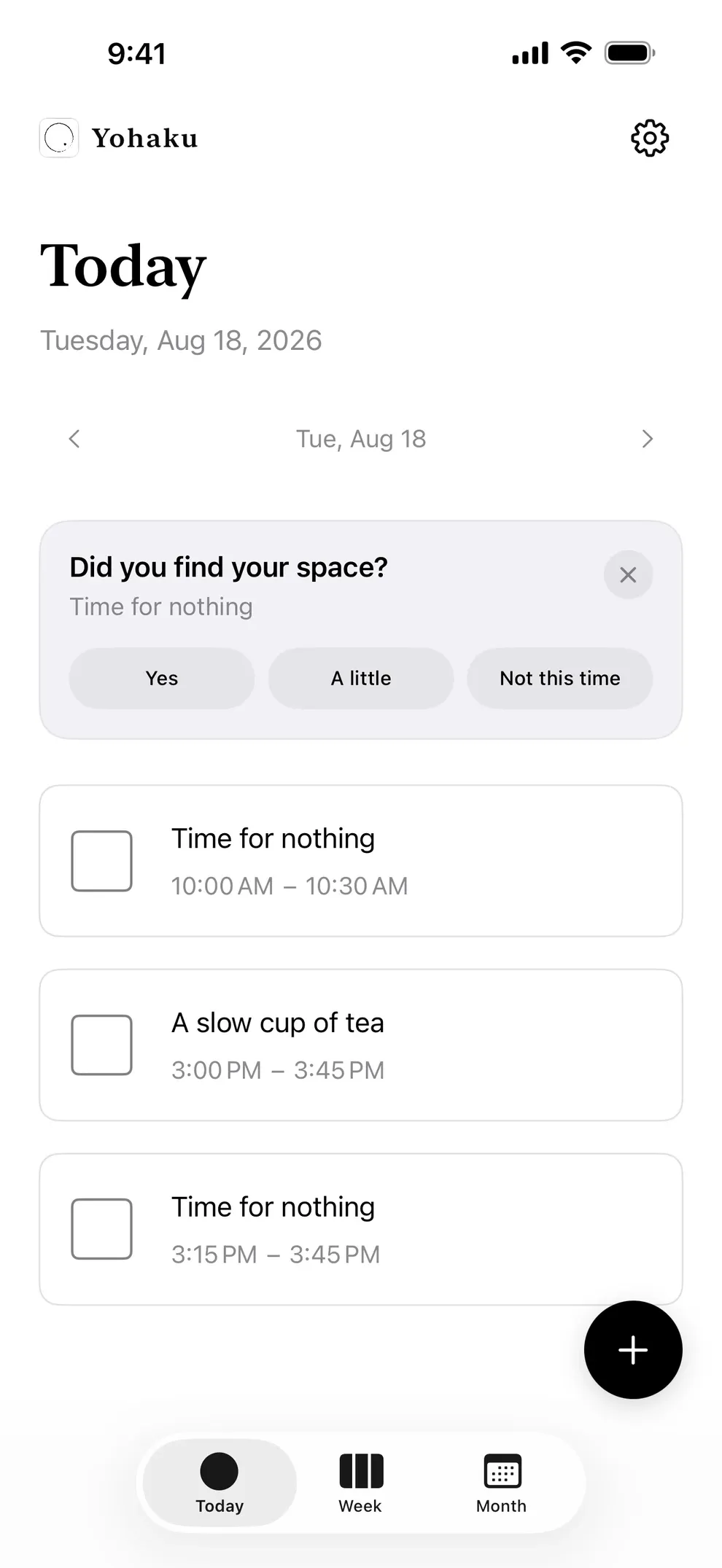
The next time you open the app, one small card may ask about your latest space. Answer, close, or swipe it away; it will not ask again. Responses stay on your device.
07
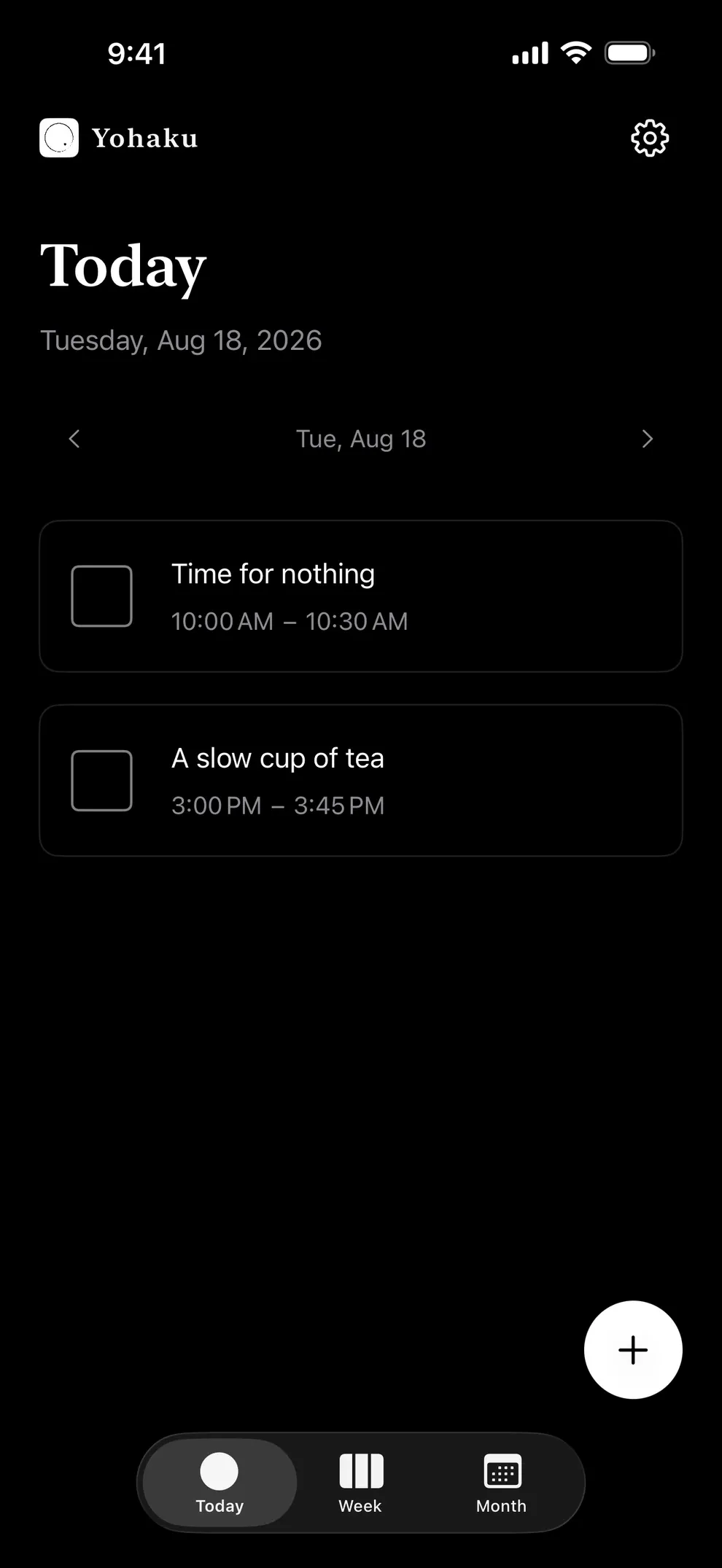
Choose system, light, or dark appearance.
08
Spaces stay on your iPhone. There is no Yohaku account or cloud sync.
09
Including English and Japanese. The display language follows your iPhone settings.